Editor Initialization
Before using nEditor for the first time, a short initialization process is required to link the editor with your simulator files and build a local object database.
Step 1 – Selecting the OMSI 2 Directory
One-time Operation
Pointing to the folder is performed only once during the first launch. The editor will use the selected location until it is reinstalled or the internal database is cleared.
-
In the welcome window, click the Browse button:
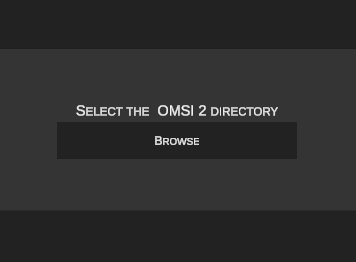
-
In the folder browser dialog, select the main directory where OMSI 2 is installed, then confirm by clicking Select:
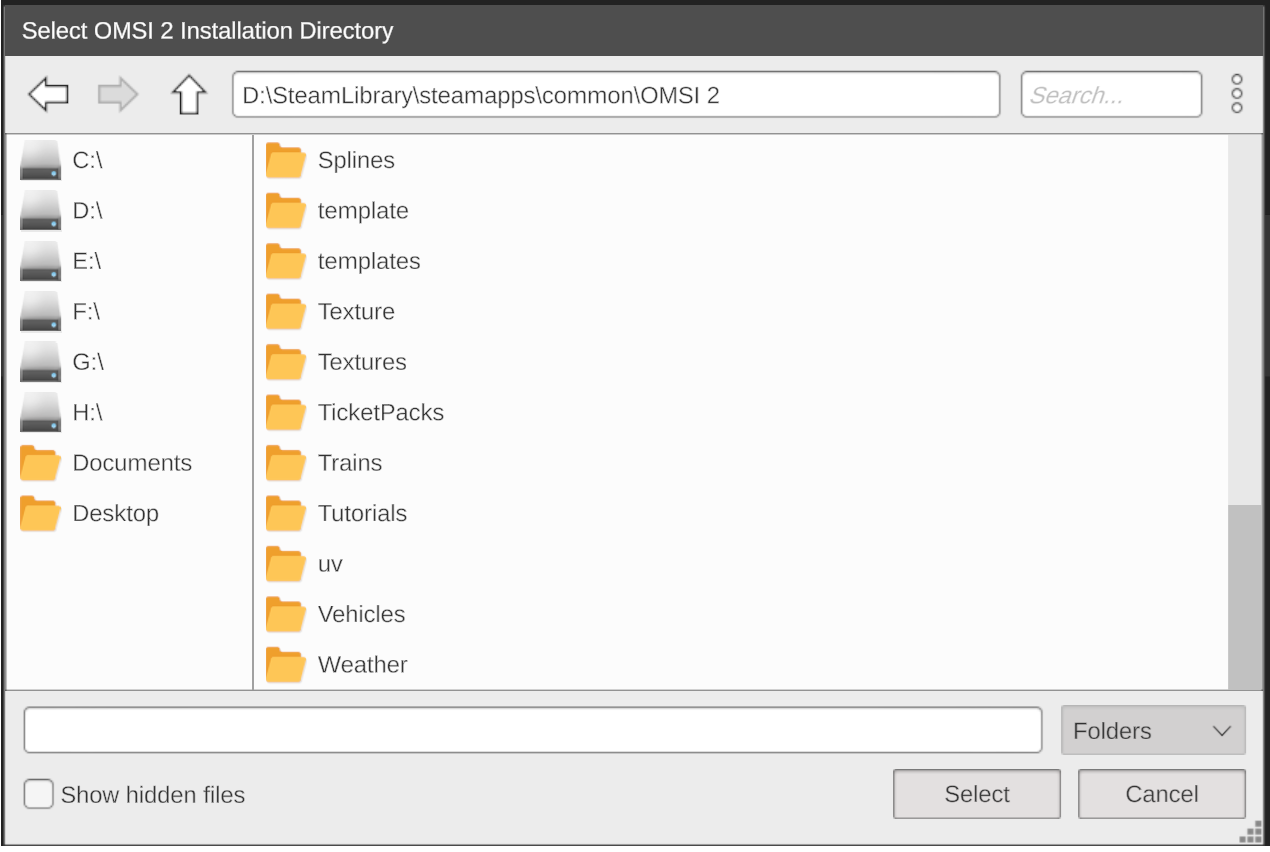
Step 2 – Selecting the Initialization Mode
From this point on, nEditor will begin generating an internal SQLite database:
The database is created based on the scenery objects, splines, and textures installed on your system. Thanks to this:- Searching and browsing thousands of assets in the editor library is instantaneous and fluid.
- The editor does not need to rescan disk contents on each subsequent launch.
Indexing Duration
This step may take from a few minutes up to a few hours, depending on the size of your scenery collection and disk speed.
Initialization Modes
Two setup variants are available:
- Scope: Fast scanning and indexing of all objects, splines, and textures into the database.
- Recommended for: Users who want to start working in the editor as quickly as possible.
- Scope: In addition to indexing objects, the editor automatically renders and saves preview thumbnails for each object and spline.
- Thumbnail storage locations:
[...OMSI 2/SceneryObjects/nEditorThumbnails][...OMSI 2/Splines/nEditorThumbnails]
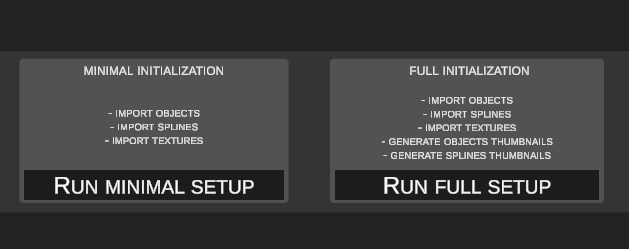
Generating Thumbnails Later
Missing thumbnails can be generated at any time later from the editor's main menu.
Resuming Interrupted Setup
A progress indicator is visible in the bottom-left corner of the window. If the initialization process is interrupted for any reason, restarting the application will automatically resume from where it left off.